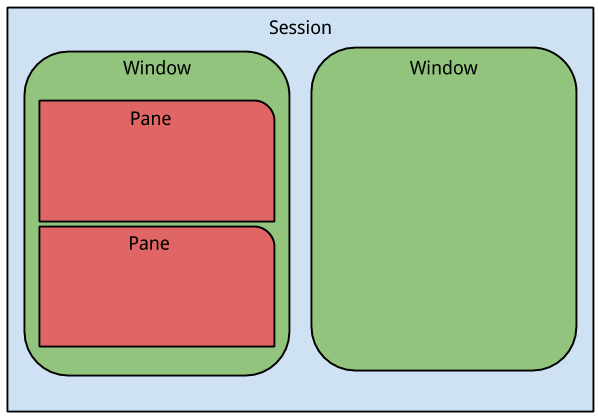
Tmux is a terminal multiplexer which allows multiple sessions with windows, panes, and more.
Basic usage
启动&退出
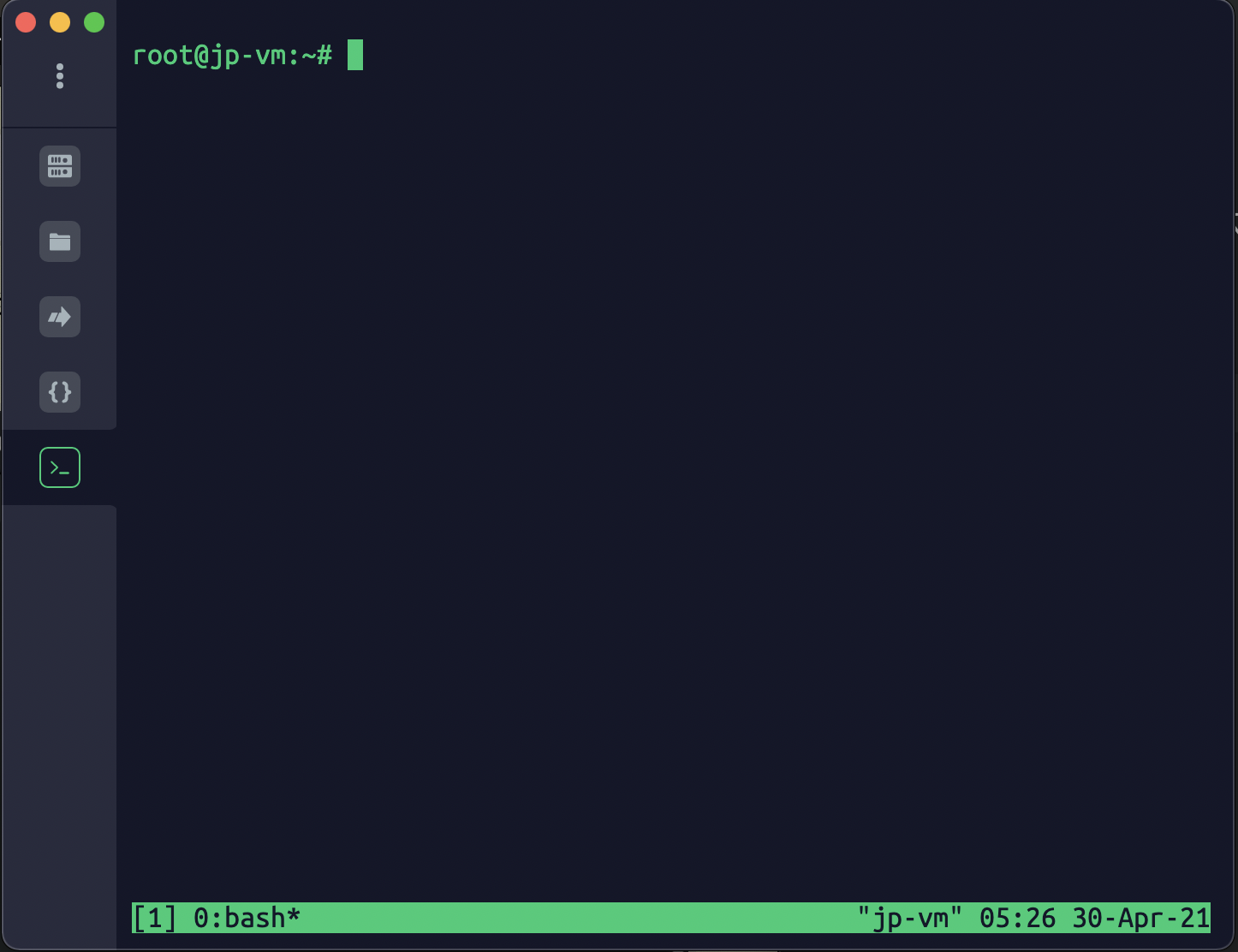
退出:Ctrl+d或显示输入exit命令
前缀键
默认的前缀键是ctrl + b
如:帮助命令的快捷键是:Ctrl + b ?,按ESC或q键退出
会话管理
Start a new named session
| tmux new -s {session-name}
|
Detach from the current session (inside a tmux session)
or using shortcut: CTRL + b d
List existing sessions
| tmux ls
# or
tmux list-session
|
Attach to session
| # using session id
tmux attach -t 0
# using session name
tmux attach -t {session-name}
|
Kill session
| # using session id
tmux kill-session -t 0
# using session name
tmux kill-session -t {session-name}
|
Switch session
| # using session id
tmux switch -t 0
# using session name
tmux switch -t {session-name}
|
or Ctrl-B w to switch between sessions and windows
Rename session
| tmux rename-session -t 0 {new-name}
|
session shortcuts
Ctrl-B d: detach from current sessionCtrl-B s: list all sessionCtrl-B $: rename current session
| - Detach from the current session (inside a tmux session):
Ctrl-B d
- Create a new window (inside a tmux session):
Ctrl-B c
- Switch between sessions and windows (inside a tmux session):
Ctrl-B w
|
Pane
Tmux can split window into multiple panes.
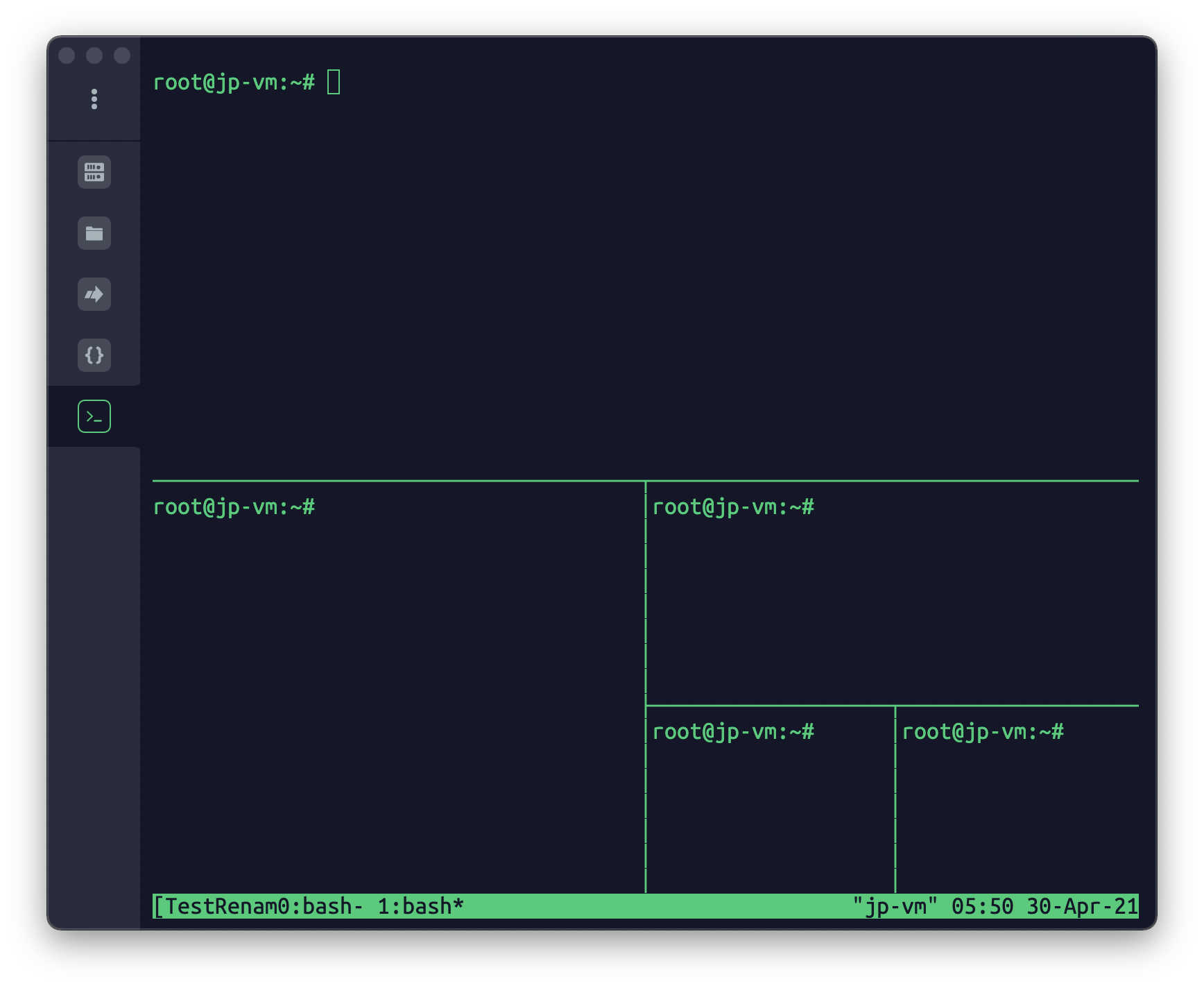
split pane
| tmux split-window
#
tmux split-window -h
|
select pane
| # to up
tmux select-pane -U
tmux select-pane -D
tmux select-pane -L
tmux select-pane -R
|
swap position of panes
| # move current pane to up
tmux swap-pane -U
tmux swap-pane -D
|
pane shortcuts
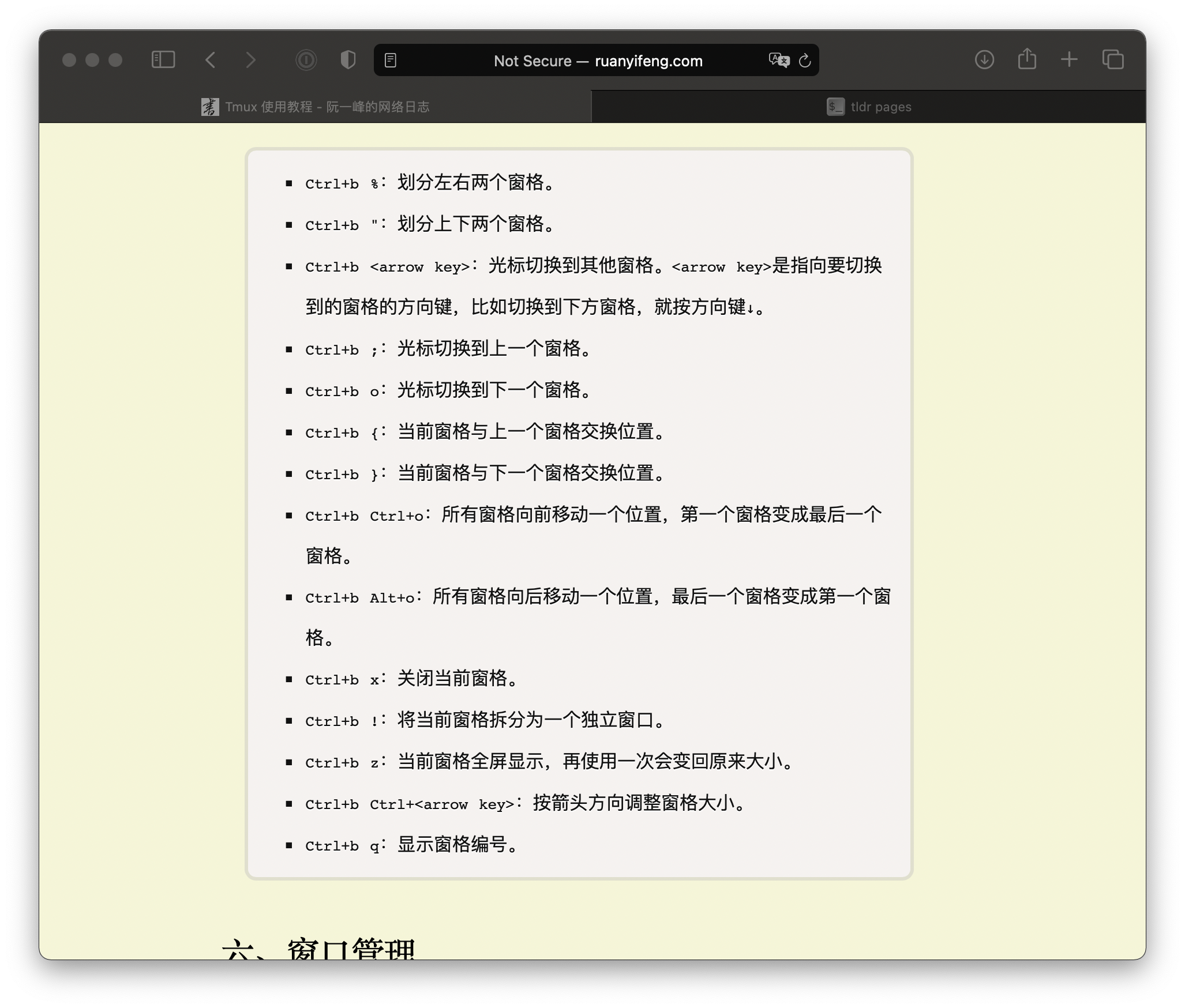
Ctrl-b % : split-pane horizontallyCtrl-b " : split-pane verticallyCtrl-b <arrow key> : move cursor to other paneCtrl-b ; : switch cursor to previous paneCtrl-b o : switch cursor to next pane
Window Management
start a new window
| tmux new-window [-n {window-name}]
|
switch to a window
| tmux select-window -t {window-number}
tmux select-window -t {window-name}
|
rename
tmux rename-window
shortcut for windows
Ctrl-b c: start a new windowCtrl-b p: switch to previous windowCtrl-b n: switch to next windowCtrl-b {name}: switch to a window with designated numberCtrl-b w: select window from listCtrl-b ,: rename window